The "It Works on My Machine" Problem
As a full-stack developer, your local environment is a delicate ecosystem. You have a specific version of PHP installed, a globally running PostgreSQL service, and a precise Node.js version. Everything runs perfectly. But the moment a new developer joins your team, or you try to deploy to a production VPS, the nightmare begins. Version mismatches, missing extensions, and conflicting ports lead to hours of wasted debugging.
This is why the industry relies on Docker. Docker allows you to package your application, along with all of its dependencies, into isolated "containers." If a container runs on your laptop, it is guaranteed to run exactly the same way on your co-worker's machine and on your Hostinger production server.
Orchestrating with Docker Compose
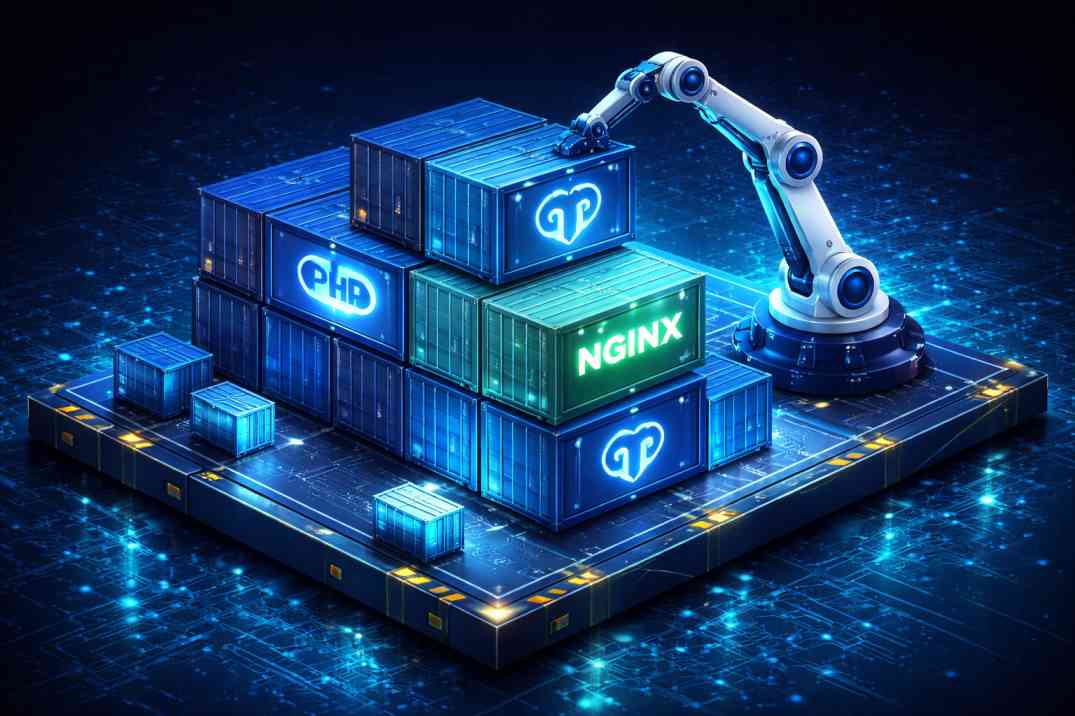
A modern Laravel application isn't just one service; it is an orchestra. You need a web server (Nginx), a PHP processor (PHP-FPM), a database (PostgreSQL), and a cache (Redis). Managing these individual containers manually is tedious. Docker Compose allows you to define your entire infrastructure in a single YAML file.
Here is a simplified look at what a docker-compose.yml file looks like for a modern tech stack:
version: '3.8'
services:
  # The Web Server
  nginx:
    image: nginx:alpine
    ports:
      - "8000:80"
    volumes:
      - ./:/var/www/html
      - ./docker/nginx/default.conf:/etc/nginx/conf.d/default.conf
    depends_on:
      - php

  # The Application Logic
  php:
    build:
      context: .
      dockerfile: docker/php/Dockerfile
    volumes:
      - ./:/var/www/html

  # The Database
  postgres:
    image: postgres:15-alpine
    environment:
      POSTGRES_DB: ${DB_DATABASE}
      POSTGRES_USER: ${DB_USERNAME}
      POSTGRES_PASSWORD: ${DB_PASSWORD}
    ports:
      - "5432:5432"
    volumes:
      - db-data:/var/lib/postgresql/data

  # The Cache
  redis:
    image: redis:alpine
    ports:
      - "6379:6379"

volumes:
  db-data:
Why This Changes Everything
With this file in the root of your repository, onboarding a new developer takes seconds instead of days. They clone the repo and type one command in their terminal:
docker-compose up -dDocker automatically pulls the exact specified versions of Nginx, PHP, Postgres, and Redis, links them together on a private virtual network, and spins up the environment. No installing database drivers on their host machine, no configuring local web servers.
Conclusion
Moving your development workflow to Docker is a paradigm shift. It completely eliminates environmental inconsistencies, ensures your production deployments match your local tests flawlessly, and allows your engineering team to focus on writing code rather than configuring servers.