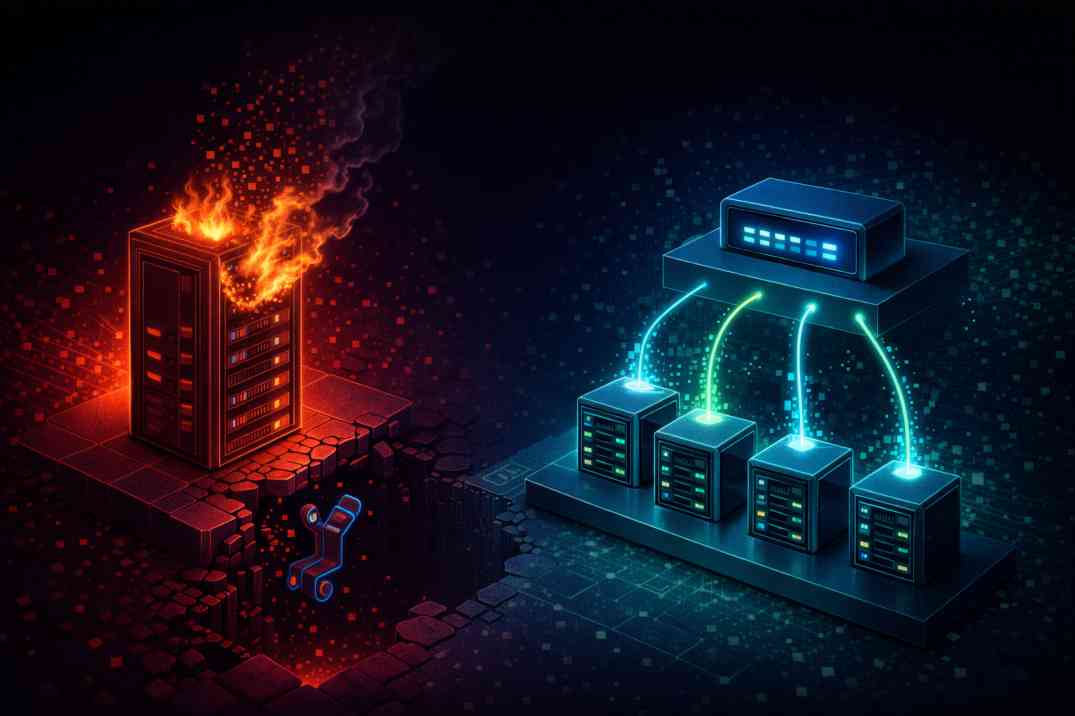
The Vertical Scaling Trap
Your SaaS product goes viral. Traffic spikes, CPU usage hits 100%, and your application crashes. The immediate reflex for most developers is to log into their hosting provider and click "Upgrade Plan." You pay double the price for double the RAM and CPU cores. This is called Vertical Scaling.
Vertical scaling has a hard ceiling. Eventually, you cannot buy a bigger server. Worse, if that single massive server goes offline for maintenance or a hardware failure, your entire business is completely dark. To build enterprise-grade reliability, you must scale horizontally.
The Horizontal Architecture
Horizontal scaling means adding more servers, not bigger ones. Instead of one $80/month server, you run four $20/month servers. In front of them sits a Load Balancer (often managed via Nginx, AWS ELB, or Cloudflare).
When a user makes an API request, the load balancer intercepts it and asks, "Which of my four Laravel servers has the least amount of traffic right now?" It routes the request to that server. If Server A crashes, the load balancer instantly removes it from the pool and routes traffic to Servers B, C, and D. You achieve true Zero Downtime.
The Nightmare: Statelessness and Breaking Laravel
You cannot just copy your Laravel code to four servers and call it a day. The moment you introduce a load balancer, standard Laravel architecture breaks completely.
- The Session Problem: User logs into Server A. Their session is saved on Server A's hard drive. Their next click is routed to Server B. Server B doesn't know who they are, and logs them out.
- The File Upload Problem: A user uploads an avatar. It saves to Server C's
storage/app/publicfolder. Tomorrow, they hit Server A, and their avatar image is missing (broken 404).
Fixing the Architecture
To scale horizontally, your Laravel application must become completely Stateless. No server can rely on its own local hard drive.
We fix this by decoupling state from the application servers:
- Centralize Sessions & Cache: In your
.env, you must changeSESSION_DRIVER=redisand point all four servers to a single, centralized Redis instance. Now, no matter which server handles the request, they all read the session from the same shared memory bank. - Centralize Storage: Change
FILESYSTEM_DISK=s3. When a user uploads a file, the server immediately pushes it to an Amazon S3 bucket (or a cheaper alternative like DigitalOcean Spaces). When the Flutter app requests the image, it fetches it from the S3 CDN, completely bypassing your Laravel servers.
Conclusion
Migrating from a monolithic server to a load-balanced, stateless architecture is a significant engineering hurdle. But once you decouple your sessions, caching, and storage, your application gains infinite scalability. You stop worrying about server limits and start focusing on product growth.