The 100,000 Row Nightmare
In B2B SaaS platforms at Smart Tech Devs, bulk data processing is a non-negotiable feature. Enterprise clients will inevitably upload massive 100,000-row CSV files containing customer records, inventory, or historical data. If you attempt to parse and insert this data synchronously within the HTTP controller, PHP will time out, the server will throw a 502 Bad Gateway error, and the user will be left frustrated.
You already know the solution to timeouts: move the work to the background using Laravel Queues. But queues introduce a new architectural problem. If you chunk the CSV and dispatch 1,000 separate background jobs, how do you know when the entire process is actually finished? How do you notify the user? How do you handle it if job #450 fails, but the rest succeed? The answer is Laravel Job Batching.
The Enterprise Solution: `Bus::batch()`
Job Batching allows you to group a massive array of individual jobs together, dispatch them concurrently to your queue workers, and define strict callbacks that execute only when the entire batch is completed, encounters its first failure, or finishes regardless of status.
Step 1: Architecting the Import Controller
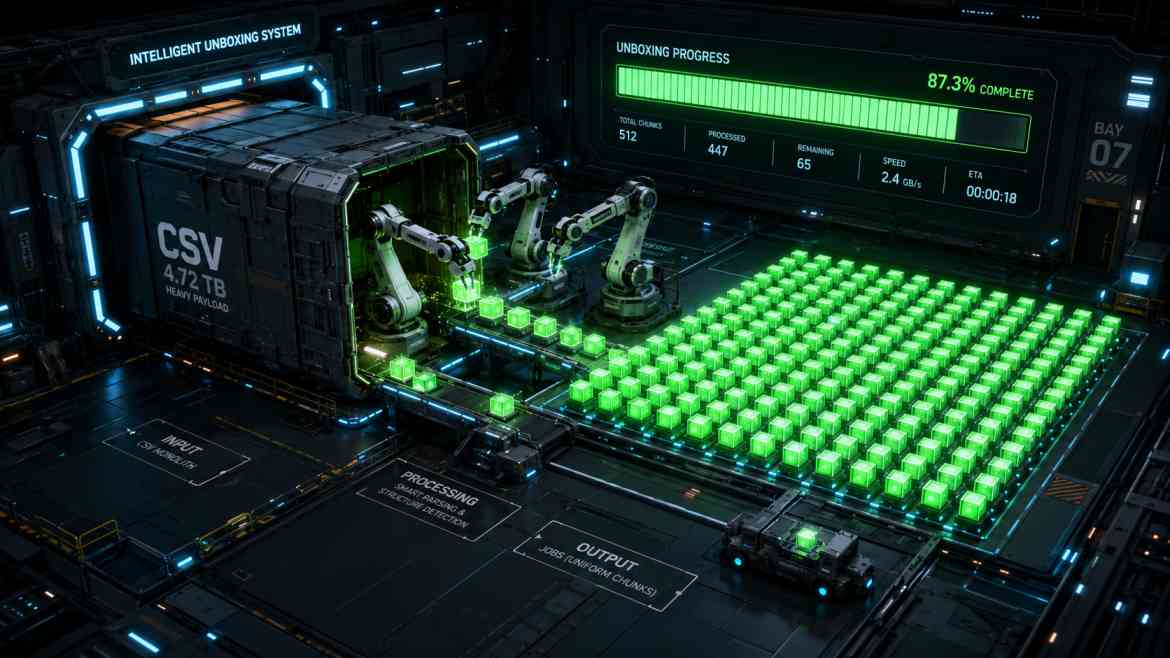
Instead of looping through the CSV and saving records directly, we read the CSV, chunk it into smaller arrays (e.g., 500 rows per chunk), and add a ProcessCsvChunk job to an array. We then dispatch the batch.
namespace App\Http\Controllers;

use Illuminate\Http\Request;
use Illuminate\Support\Facades\Bus;
use App\Jobs\ProcessCsvChunk;
use Throwable;

class ImportController extends Controller
{
    public function importCustomers(Request $request)
    {
        // 1. Read and chunk the CSV data (assume a helper function exists)
        $chunks = $this->getCsvDataInChunks($request->file('import'), 500);
        $jobs = [];

        foreach ($chunks as $chunk) {
            $jobs[] = new ProcessCsvChunk($chunk, $request->user()->tenant_id);
        }

        // 2. Dispatch the Batch
        $batch = Bus::batch($jobs)->then(function (Bus\Batch $batch) {
            // All jobs completed successfully
            // E.g., Send an email or broadcast a WebSocket event
            \Log::info("Import Batch {$batch->id} completed seamlessly.");

        })->catch(function (Bus\Batch $batch, Throwable $e) {
            // First batch job failure detected
            \Log::error("Import Batch {$batch->id} failed: " . $e->getMessage());

        })->finally(function (Bus\Batch $batch) {
            // The batch has finished executing (whether successful or failed)
            \Log::info("Batch {$batch->id} execution finished.");

        })->name('Enterprise Customer Import')->dispatch();

        // 3. Return the batch ID immediately to the frontend
        return response()->json([
            'status' => 'processing',
            'batch_id' => $batch->id
        ]);
    }
}
Step 2: Polling the Progress on the Frontend
Because the controller returns the batch_id instantly, your React or Next.js frontend can use it to poll a simple endpoint (or listen to a broadcast) to display a live progress bar to the user. Laravel automatically calculates this progress mathematically based on total jobs vs. processed jobs.
// A simple route to check batch status
Route::get('/batch/{batchId}', function (string $batchId) {
    return Bus::findBatch($batchId);
});
The Engineering ROI
Implementing Job Batching transforms a fragile, crash-prone endpoint into an enterprise-grade data pipeline. It allows you to utilize multiple queue workers in parallel to ingest data infinitely faster, provides real-time progress tracking out of the box, and gives you total programmatic control over complex success/failure lifecycles.