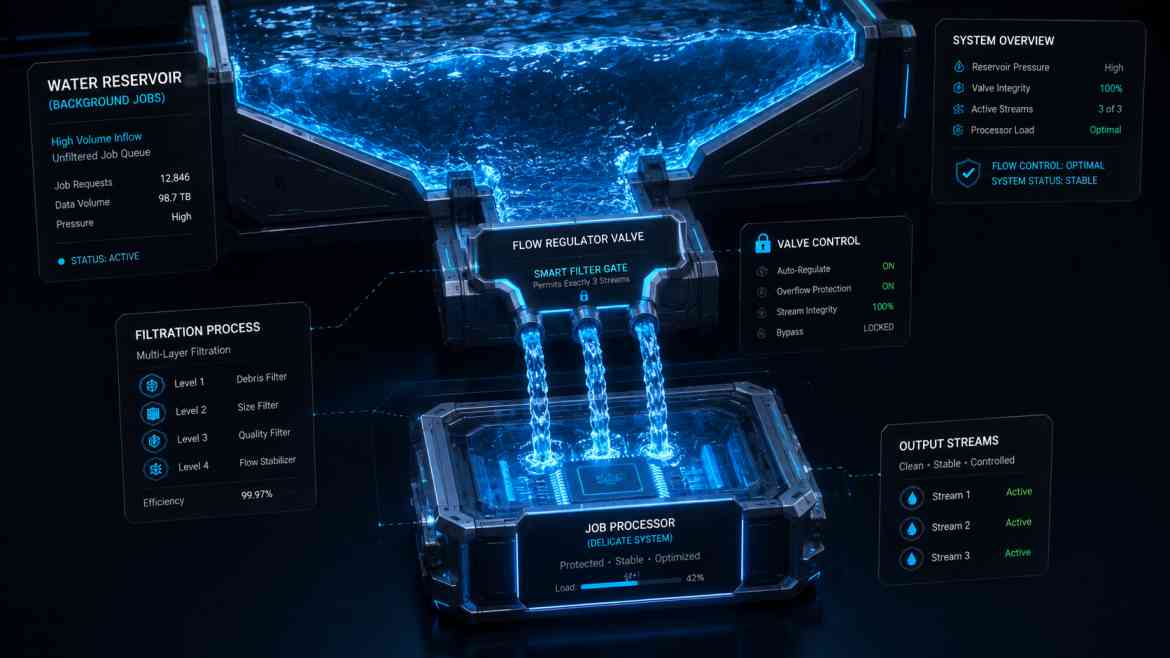
The Queue Concurrency Avalanche
When architecting a high-throughput B2B SaaS platform at Smart Tech Devs, moving slow tasks to asynchronous background queues is standard practice. However, an aggressive operational hazard occurs when your queue scaling strategy inadvertently turns into a distributed denial-of-service (DDoS) attack against your own internal database cluster.
Imagine an event triggers 5,000 heavy data computation jobs simultaneously. If your background server infrastructure is configured to auto-scale, or if you run a large cluster of parallel queue worker daemons (e.g., via Laravel Horizon), hundreds of workers will boot instantly to consume the workload. Each worker opens a dedicated network socket to your PostgreSQL or MySQL instance. Within seconds, your database hits its max_connections limit. Queries stall, API requests throw 500 errors, and the entire platform locks up. To secure your systems, you must enforce strict **Queue Concurrency Limits**.
The Enterprise Solution: Rate Limiting Worker Threads
While you can use Redis-backed request throttling middleware on individual job configurations, that model simply delays execution without solving thread-level connection over-allocation. The enterprise approach is constraining the *maximum number of concurrent workers* permitted to execute a specific job type at any single millisecond.
Step 1: Enforcing Concurrency Limits via Horizon
If you leverage Laravel Horizon, you can declaratively govern process bounds directly inside your configuration layout, ensuring low-priority jobs cannot starve your primary database pool.
// config/horizon.php

'environments' => [
    'production' => [
        'supervisor-heavy-exports' => [
            'connection' => 'redis',
            'queue' => ['exports'],
            'balance' => 'false', // Disable dynamic auto-scaling
            'maxProcesses' => 3,  // Strict limit: Never allow more than 3 workers to process this queue
            'tries' => 1,
        ],
    ],
],
Step 2: Leveraging Job-Level Concurrency via Redis Locks
If you are running standard queue workers via Supervisor without Horizon, you can enforce concurrency limits directly within the Job class using Laravel’s built-in WithoutOverlapping middleware or custom Redis concurrency slots.
namespace App\Jobs;

use Illuminate\Bus\Queueable;
use Illuminate\Contracts\Queue\ShouldQueue;
use Illuminate\Foundation\Bus\Dispatchable;
use Illuminate\Queue\InteractsWithQueue;
use Illuminate\Queue\SerializesModels;
use Illuminate\Support\Facades\Redis;

class ComputeComplexMetrics implements ShouldQueue
{
    use Dispatchable, InteractsWithQueue, Queueable, SerializesModels;

    public function handle(): void
    {
        // 1. Establish a named concurrency slot using a Redis funnel lock
        // This limits execution to exactly 5 concurrent jobs globally across all servers
        Redis::funnel('metric-processing-concurrency')
            ->limit(5)
            ->block(0) // If slot is full, release back to queue instantly without blocking worker threads
            ->then(function () {

                // 2. Heavy database-intensive processing logic goes here safely
                // We are guaranteed that no more than 5 connections are active from this pool!
                \Log::info("Processing metrics securely within connection bounds.");

            });
    }
}
The Engineering ROI
By enforcing strict queue concurrency constraints, you establish an operational blast radius. A massive surge in backend automation processing workloads can no longer exhaust your database's thread pools or impact web user interactivity. Workloads are paced smoothly, connection pools remain stable, and your infrastructure retains maximum availability under sudden scale spikes.