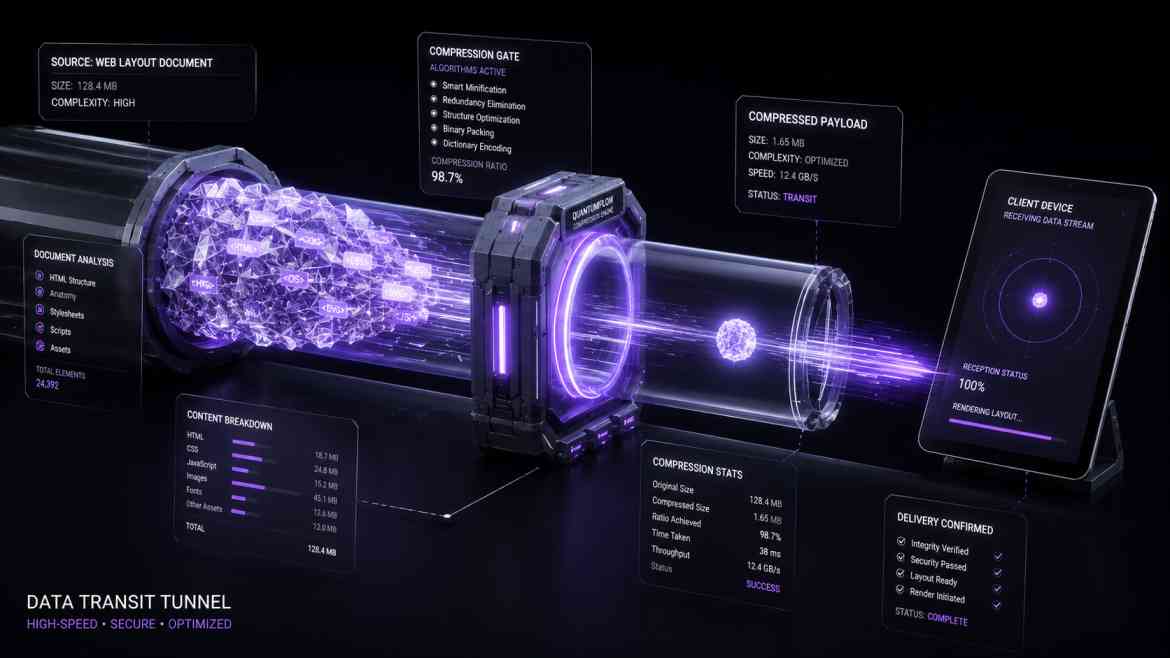
The Overlooked Bandwidth Tax
When optimization is discussed in modern frontend development, developers frequently focus on component code-splitting or caching engines. While these are critical paths, teams often neglect the literal size of the text payloads traveling across the network.
Every time a user visits a data-dense dashboard, your Next.js server dispatches large pieces of server-side rendered HTML, inline JSON hydration scripts, and asset bundles. If these payloads travel raw and uncompressed, mobile clients on unstable networks encounter substantial time-to-first-byte (TTFB) latency. To maximize load performance, your transmission layer must compress files on-the-fly using modern algorithms like Brotli.
Brotli vs. Gzip
While Gzip has been the web server standard for decades, Brotli represents a significant performance leap for text compression. Developed by Google, Brotli uses a modern dictionary-based layout pattern. Compared to Gzip, Brotli achieves a 20% to 30% superior compression ratio for text assets (HTML, CSS, JSON, JS). This translates directly to less data traveling over the wire, resulting in faster download times and improved mobile Core Web Vitals.
Step 1: Enabling Response Compression in Next.js
By default, Next.js enables response compression using Gzip internally if handled at the application layer. However, enabling compression inside the Node.js process consumes server CPU cycles. The enterprise practice is offloading this completely to your reverse proxy or CDN layer (like Vercel, Cloudflare, or an internal Nginx configuration).
If you are deploying a custom self-hosted Next.js application behind an Nginx VPS container, here is how you configure automated Brotli encoding:
# /etc/nginx/nginx.conf

http {
    # 1. Enable native Brotli compression
    brotli on;
    brotli_comp_level 6; # Balanced level between CPU overhead and file size reduction

    # 2. Specify exact text content-types to compress automatically
    brotli_types
        text/xml
        text/plain
        text/css
        text/javascript
        application/javascript
        application/json
        application/x-javascript
        application/xml
        application/xml+rss
        image/svg+xml;
}
Step 2: Verifying Compression Quality in the Browser
Once deployed, you can verify your compression pipeline is operating securely by inspecting the network response headers inside your browser's developer console. The content-encoding header must explicitly display br.
# Safe network verification profile parameters
HTTP/2 200 OK
content-type: text/html; charset=utf-8
content-encoding: br # Indicates Brotli is actively optimizing the payload stream
cache-control: private, no-cache, no-store, must-revalidate
The Performance Physics ROI
Implementing Brotli compression directly directly drops your page payload size across data-heavy server-side lookups. A 500KB dashboard JSON payload collapses into less than 80KB before hitting the network pipeline. This minimizes transit times, improves your Largest Contentful Paint (LCP) times on limited wireless lines, and saves considerable bandwidth costs on server data transfers.