The Invisible Network Bloat
React Server Components (RSC) in Next.js App Router are a game changer for data fetching. You can query your database directly inside your component without exposing API endpoints. However, a major architectural trap occurs at the exact boundary where a Server Component passes data down to a Client Component.
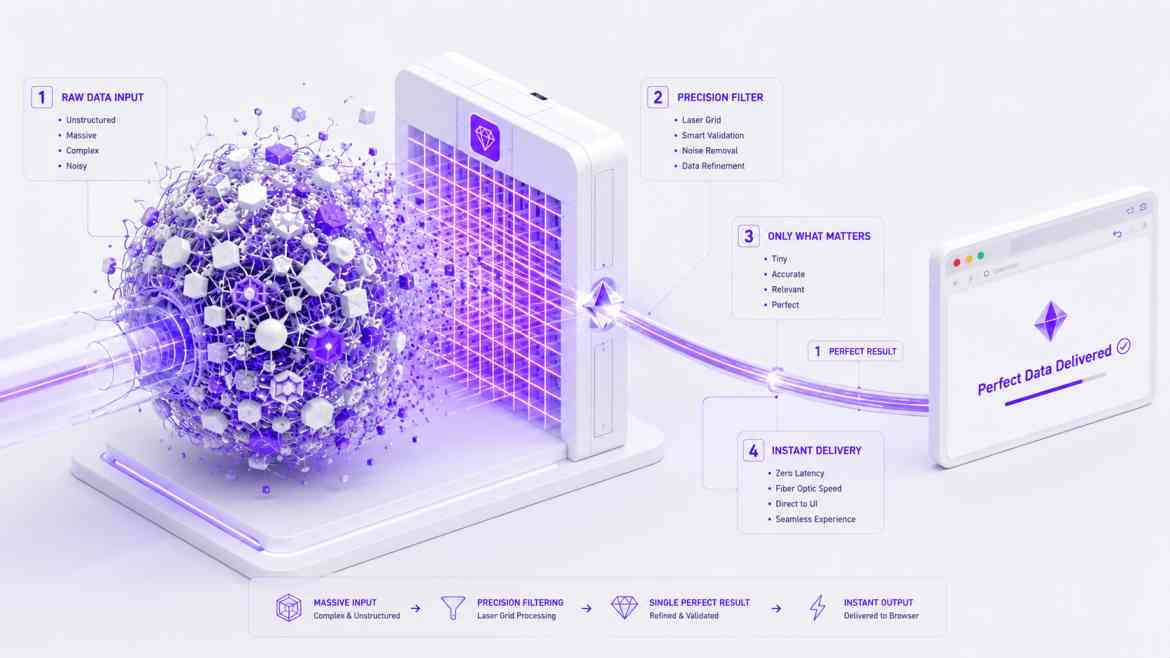
Imagine querying a heavy User model that contains 50 columns (bio, encrypted password hashes, timestamps, notification preferences). Your Client Component only needs the user's name and avatar_url to render a header menu. If you pass the entire database model as a prop (<ClientHeader user={user} />), Next.js has to serialize that entire massive object into JSON, embed it directly into the HTML source code, and send it over the network.
You might think the extra data is just "ignored" by the client component, but it actively bloats your initial HTML payload, destroying your Time to First Byte (TTFB) and exposing sensitive backend data fields to the browser console.
The Solution: The Data Transfer Object (DTO) Boundary
To build elite, high-performance Next.js architectures, you must enforce a strict **Data Transfer Object (DTO)** pattern exactly at the Server-to-Client boundary. You must manually strip the data down to its absolute minimum shape before passing it over the wire.
Architecting the Payload Boundary
Let's look at how to sanitize and slim down server data before it crosses into the browser's memory space.
// app/dashboard/page.tsx (Server Component)
import prisma from '@/lib/prisma';
import ClientInteractiveHeader from './ClientInteractiveHeader';

export default async function DashboardPage() {
    // 1. Fetch the heavy, raw model from the database
    const rawUserRecord = await prisma.user.findUnique({
        where: { id: 'usr_123' },
        include: { enterprise_billing: true, security_logs: true } // Massive payload!
    });

    // ❌ THE ANTI-PATTERN: Passing the raw object bloats the HTML payload
    // and leaks billing/security data to the browser network tab!
    // return <ClientInteractiveHeader user={rawUserRecord} />;

    // ✅ THE ENTERPRISE PATTERN: Strict Payload Thinning (DTO)
    // We construct a specific, lightweight object containing ONLY what the client needs.
    const headerPayload = {
        id: rawUserRecord.id,
        name: rawUserRecord.name,
        avatarUrl: rawUserRecord.avatar_url,
    };

    return (
        <main className="p-6">
            {/* The network transfer size is now measured in bytes, not kilobytes! */}
            <ClientInteractiveHeader user={headerPayload} />

            <section>
                <h1>Dashboard Analytics</h1>
                {/* Render server-side analytics... */}
            </section>
        </main>
    );
}
Enforcing Safety with TypeScript Pick
To keep this clean across large codebases, use TypeScript's Pick utility to explicitly define the boundary shape on the Client Component.
// app/dashboard/ClientInteractiveHeader.tsx (Client Component)
"use client";

import { User } from '@prisma/client';

// Enforce that this component CANNOT accept the full User object
type HeaderProps = {
    user: Pick<User, 'id' | 'name' | 'avatarUrl'>;
};

export default function ClientInteractiveHeader({ user }: HeaderProps) {
    return (
        <header className="flex items-center space-x-3">
            <img src={user.avatarUrl} alt="Avatar" className="w-10 h-10 rounded-full" />
            <span className="font-bold">{user.name}</span>
        </header>
    );
}
The Engineering ROI
By treating the Server-to-Client boundary with the same scrutiny as an external REST API, you radically accelerate your Next.js page loads. Your raw HTML payloads shrink, hydration parses instantly, and you guarantee absolute zero-trust security by physically stripping sensitive backend fields from the network transmission layer.