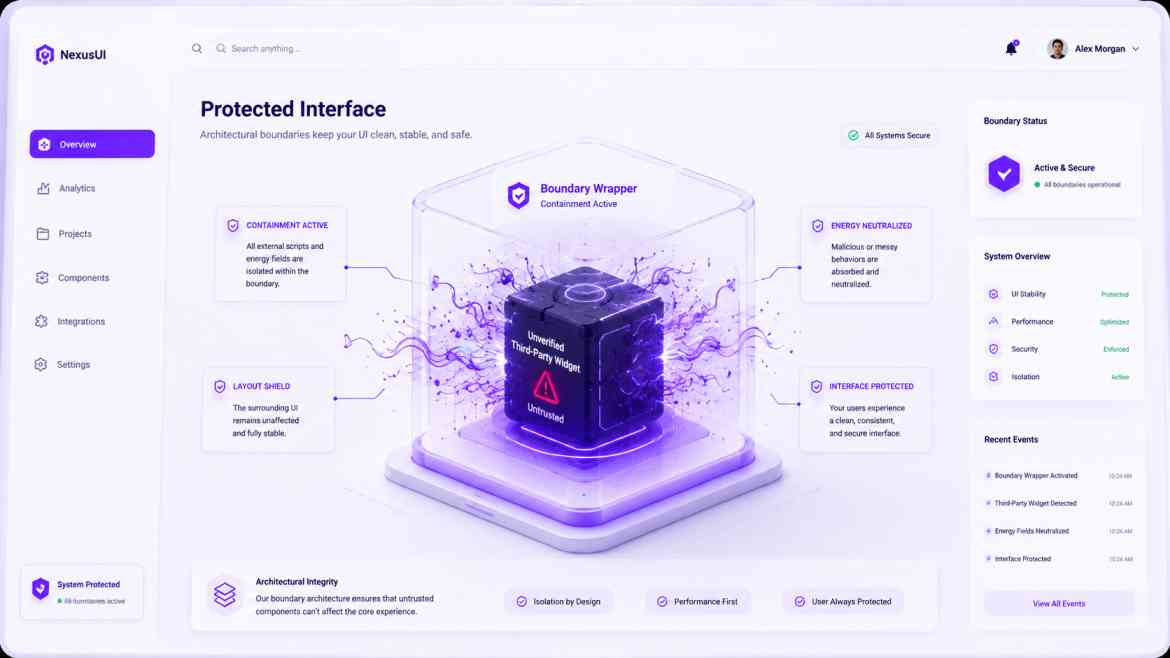
The Supply Chain UI Liability
Modern B2B SaaS development requires incorporating external code engines. We install script integrations for legacy rich text styling editors, embedded customer support chat frames, custom calendar visual grids, or telemetry monitoring tracking blocks. While these dependencies add massive feature utility, they introduce severe frontend stability risks.
If an external NPM client module contains a memory leak, executes non-standard global DOM manipulations, or throws an unhandled exception inside a rendering cycle, it won't just fail quietly. Because of React's single unified component tree architecture, that isolated failure will crash your entire global layout engine, exposing a blank screen to your paying clients. To build enterprise-grade frontends at Smart Tech Devs, you must practice **Defensive Component Isolation**.
The Sandbox Strategy: Strict Layout Quarantine
To safely isolate unverified third-party scripts or layout modules, we must establish rigorous technical boundaries using a combination of custom React Error Boundaries and declarative CSS sandboxing wrappers.
Step 1: Building an Isolation Wrapper Component
We build a dedicated component layout container whose only job is to trap JavaScript exceptions and encapsulate CSS scope, ensuring third-party packages can never corrupt global web operations.
// components/ui/ComponentSandbox.tsx
"use client";

import React, { Component, ErrorInfo, ReactNode } from 'react';

interface Props { children: ReactNode; fallbackName: string; }
interface State { hasError: boolean; }

export class ComponentSandbox extends Component<Props, State> {
    public state: State = { hasError: false };

    public static getDerivedStateFromError(_: Error): State {
        // Update state so the next render will show the fallback UI.
        return { hasError: true };
    }

    public componentDidCatch(error: Error, errorInfo: ErrorInfo) {
        // Log the package crash data safely to telemetry tools without interrupting the core UI
        console.error("Third-Party Package Crash Detected:", error, errorInfo);
    }

    public render() {
        if (this.state.hasError) {
            return (
                <div className="p-4 border border-gray-200 bg-gray-50 text-gray-500 rounded-md text-sm">
                    ⚠️ The {this.props.fallbackName} widget is temporarily unavailable.
                </div>
            );
        }

        return (
            /* We wrap children in an explicit CSS isolated container context
               to prevent third-party packages from leaking custom style pollution */
            <div className="third-party-isolation-scope style-isolation-reset">
                {this.props.children}
            </div>
        );
    }
}
Step 2: Safe Implementation in Next.js Dashboards
Now, we drop the unverified package inside our sandbox wrapper. If the widget encounters a catastrophic breakdown mid-operation, the error is isolated inside the sandbox wrapper, preserving the dashboard sidebar, tracking headers, and workspace functionality.
// app/dashboard/analytics/page.tsx
import { ComponentSandbox } from '@/components/ui/ComponentSandbox';
import HeavyLegacyEditor from 'untrusted-heavy-editor-package'; // External module

export default function AnalyticsDashboard() {
    return (
        <div className="dashboard-grid">
            <CoreAppHeader />

            <section className="workspace-panel">
                <h2>Document Editor</h2>

                {/* Quarantine the external widget safely */}
                <ComponentSandbox fallbackName="Legacy Rich Text Editor">
                    <HeavyLegacyEditor />
                </ComponentSandbox>
            </section>
        </div>
    );
}
The Engineering ROI
Enforcing strict sandboxing wrappers around client-side integrations transforms your application stability. You insulate your core user flows from external code failures and avoid vendor supply-chain style pollution bugs. If an embedded tool crashes, it is cleanly neutralized in place, preserving application continuity and ensuring a reliable experience for your users.
Enforcing strict sandboxing wrappers around client-side integrations transforms your application stability. You insulate your core user flows from external code failures and avoid vendor supply-chain style pollution bugs. If an embedded tool crashes, it is cleanly neutralized in place, preserving application continuity and ensuring a reliable experience for your users.
...