The Doom of Large List Nodes
In enterprise-grade B2B applications, handling large data payloads is inevitable. Whether you are displaying an intricate real-time inventory sheet, system tracking entries, or user access rosters, your dashboard interfaces will frequently need to represent thousands of records. The typical React pattern is simple: map through the array and render an HTML table row element for every single entry.
For 50 elements, this works seamlessly. But when your array tracks 20,000 items, your frontend will choke. Even if your API fetches the JSON payload instantly, forcing the browser to build, calculate layout metrics, and paint 20,000 physical DOM nodes consumes massive amounts of device CPU and memory. The browser tab lags, inputs stutter, and scrolling locks up entirely. To achieve elite performance, you must employ List Virtualization (Windowing).
What is List Virtualization?
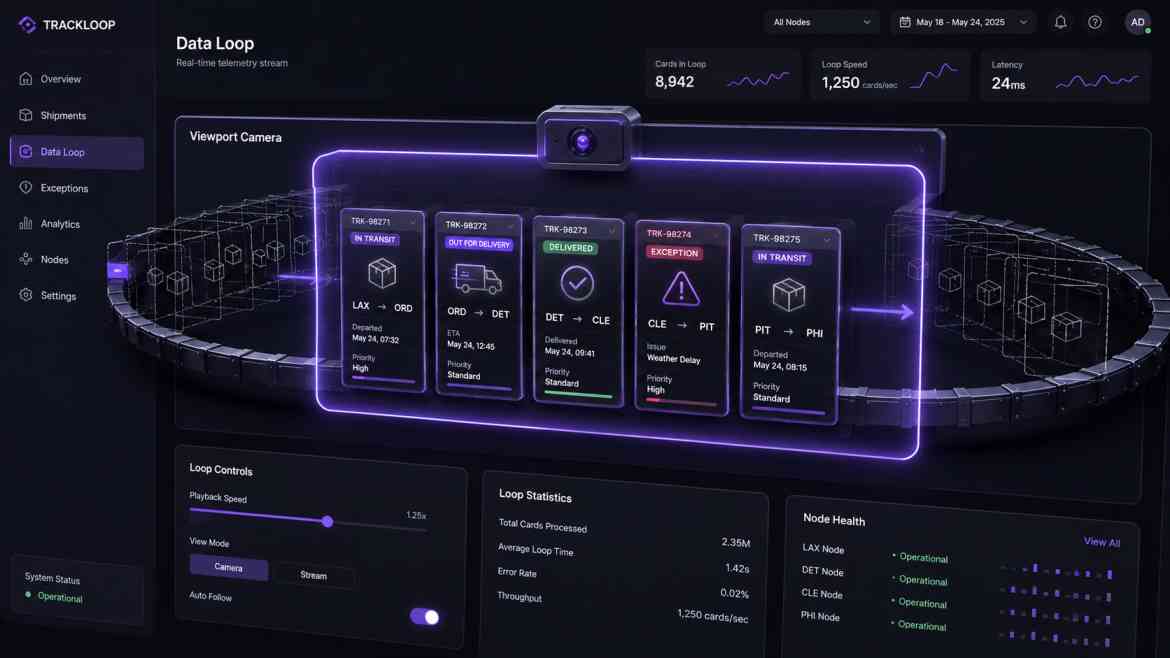
List virtualization is a high-performance frontend rendering technique that bypasses traditional DOM node generation. Instead of mounting all 20,000 rows into the webpage DOM layout tree, a virtualized component calculates the exact dimensions of the container viewport window.
It then mounts only the exact items currently visible on the user's screen (plus a small buffer of 2-3 items above and below the fold). As the user scrolls downwards, React dynamically recycled the existing DOM elements, swapping out their text properties instantly. The browser only ever manages 20 structural nodes in total, keeping performance perfectly flat whether your array has 100 elements or 100,000 elements.
Implementing List Virtualization in React
While you can calculate raw scroll position calculations manually using resize loops, the gold standard in the React ecosystem for handling heavy virtual layouts is an open-source tool called react-virtuoso or @tanstack/react-virtual.
// components/dashboard/MassiveDataGrid.tsx
"use client";

import React from 'react';
import { Virtuoso } from 'react-virtuoso';

interface RowData {
    id: string;
    action: string;
    ipAddress: string;
}

interface GridProps {
    data: RowData[];
}

export default function MassiveDataGrid({ data }: GridProps) {
    return (
        <div className="w-full border border-gray-200 rounded-lg shadow bg-white">
            <div className="p-4 border-b bg-gray-50">
                <h3 className="font-bold text-gray-700">Enterprise Log Monitor</h3>
            </div>

            {/* Virtuoso establishes a strict fixed-height container window wrapper */}
            <Virtuoso
                style={{ height: '500px' }} // Set explicit viewport window boundaries
                data={data} // Pass the massive array payload safely
                itemContent={(index, item) => (
                    // This function ONLY executes for items actively inside the 500px window!
                    <div className={`flex items-center justify-between p-4 border-b text-sm ${
                        index % 2 === 0 ? 'bg-white' : 'bg-gray-50'
                    }`}>
                        <span className="font-mono text-gray-500">#{item.id}</span>
                        <span className="text-gray-900 font-medium">{item.action}</span>
                        <span className="text-gray-400">{item.ipAddress}</span>
                    </div>
                )}
            />

            <div className="p-3 border-t bg-gray-50 text-xs text-gray-500 text-right">
                Total Array Count: {data.length.toLocaleString()} rows (O(1) DOM Window Active)
            </div>
        </div>
    );
}
The Physics of Windowing ROI
By shifting to virtualized viewports, your interface performance becomes entirely immune to data scale. The browser's memory allocation curve drops off flatly because the DOM layout tree size is locked at a fixed threshold. Memory footprint remains clean, scrolling actions lock at a constant 60 frames per second, and your web app can comfortably navigate massive analytical feeds with zero latency drops on desktop and mobile browsers alike.