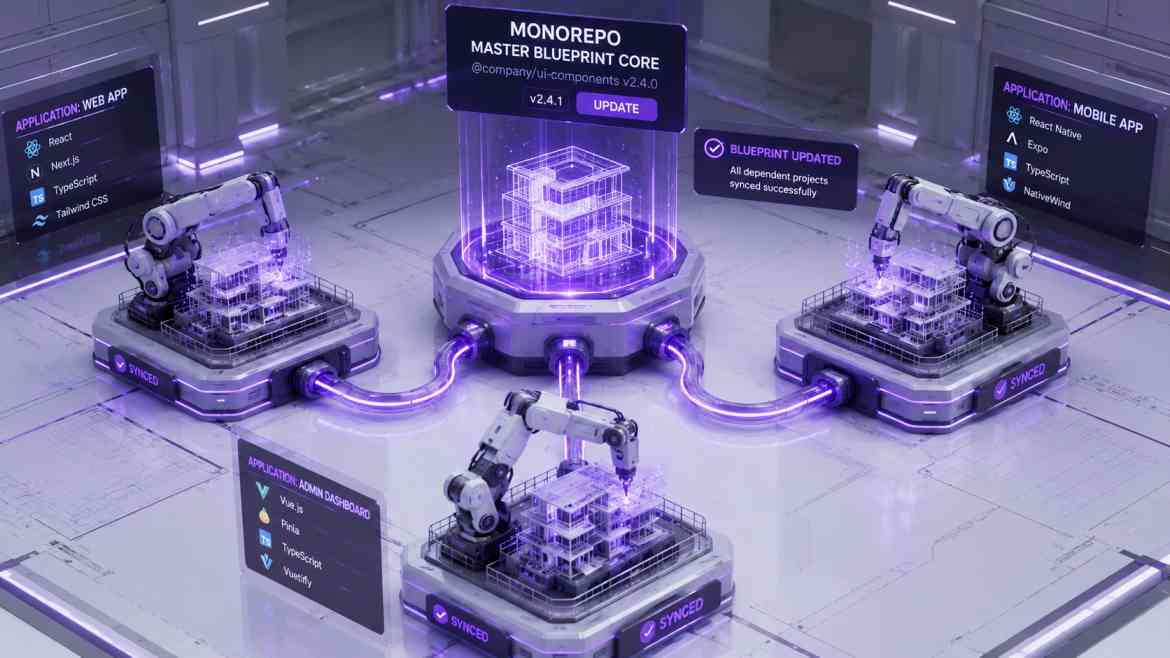
The "Copy-Paste" Codebase Drift
As Smart Tech Devs expands, your engineering team rarely maintains just one web application. You likely have a primary Next.js B2B Dashboard, a secondary public-facing marketing site, and a standalone documentation portal.
The standard multi-repo approach dictates giving each application its own GitHub repository. This creates a massive scalability bottleneck: Codebase Drift. When your design team updates the corporate Button component, developers have to manually copy and paste the new React code into all three repositories. TypeScript configs fall out of sync, ESLint rules clash, and maintaining identical Tailwind design systems becomes a full-time job. To scale efficiently, you must unify your architecture using a Monorepo.
The Solution: Workspaces and Turborepo
A Monorepo is a single Git repository that contains multiple distinct applications and shared packages. Using package manager workspaces (like pnpm workspaces) and a high-performance build system like Turborepo, you can extract shared logic into internal NPM packages.
This allows your Next.js dashboard and your marketing site to import the exact same Button component from a shared local folder (e.g., @repo/ui). If you update the Button, both apps instantly inherit the changes.
Step 1: Architecting the Monorepo Structure
A modern Turborepo architecture strictly segregates deployable applications (apps/) from internal, reusable code libraries (packages/).
smart-tech-monorepo/
├── apps/
│   ├── b2b-dashboard/      # Next.js App 1
│   ├── marketing-site/     # Next.js App 2
│   └── docs-portal/        # Nextra App 3
├── packages/
│   ├── ui/                 # Shared React Components (Buttons, Modals)
│   ├── config-tailwind/    # Global Tailwind Theme Variables
│   ├── config-typescript/  # Global tsconfig.json rules
│   └── database/           # Shared Prisma schema and ORM client
├── turbo.json              # Turborepo build caching rules
└── package.json            # Root workspace definitions
Step 2: Creating and Consuming Shared Packages
Inside the packages/ui folder, you define a standard package.json and name it @repo/ui. You don't need to publish this to the public NPM registry; Turborepo links it locally.
// packages/ui/package.json
{
  "name": "@repo/ui",
  "version": "1.0.0",
  "exports": {
    "./button": "./src/Button.tsx"
  }
}
Now, inside your apps/b2b-dashboard application, you simply import the button directly from your internal package. The code is shared cleanly, preserving a single source of truth.
// apps/b2b-dashboard/src/app/page.tsx
import { Button } from '@repo/ui/button';
import { db } from '@repo/database'; // Shared backend models!

export default async function DashboardPage() {
    const userCount = await db.user.count();

    return (
        <main className="p-6">
            <h1>Total Users: {userCount}</h1>
            <Button variant="primary">Generate Report</Button>
        </main>
    );
}
The Engineering ROI
Migrating to a Monorepo via Turborepo entirely eliminates codebase drift. You only write your ESLint rules, TypeScript configs, and UI components exactly once. Turborepo intelligently caches your builds, meaning it only recompiles the specific apps affected by your changes. Your engineering team moves significantly faster because every application operates from the same underlying, perfectly synchronized foundation.