The Problem with React State Modals
In traditional React applications, if a user clicks a "Task" on a Kanban board, developers typically pop open a modal using a boolean state: const [isOpen, setIsOpen] = useState(false).
For a basic alert, this is fine. But for a complex B2B SaaS dashboard at Smart Tech Devs, this architecture is fundamentally broken. If the user hits the browser's "Refresh" button, the modal vanishes, and their context is lost. If they copy the URL and send it to a coworker on Slack, the coworker only sees the default dashboard, not the specific task. You have trapped critical UI inside transient local state.
The Paradigm Shift: URL-Driven Modals
A fundamental rule of modern web architecture is that any distinct piece of content must have its own URL. Next.js 13+ introduced two revolutionary concepts to solve this exact problem: Parallel Routes and Intercepting Routes.
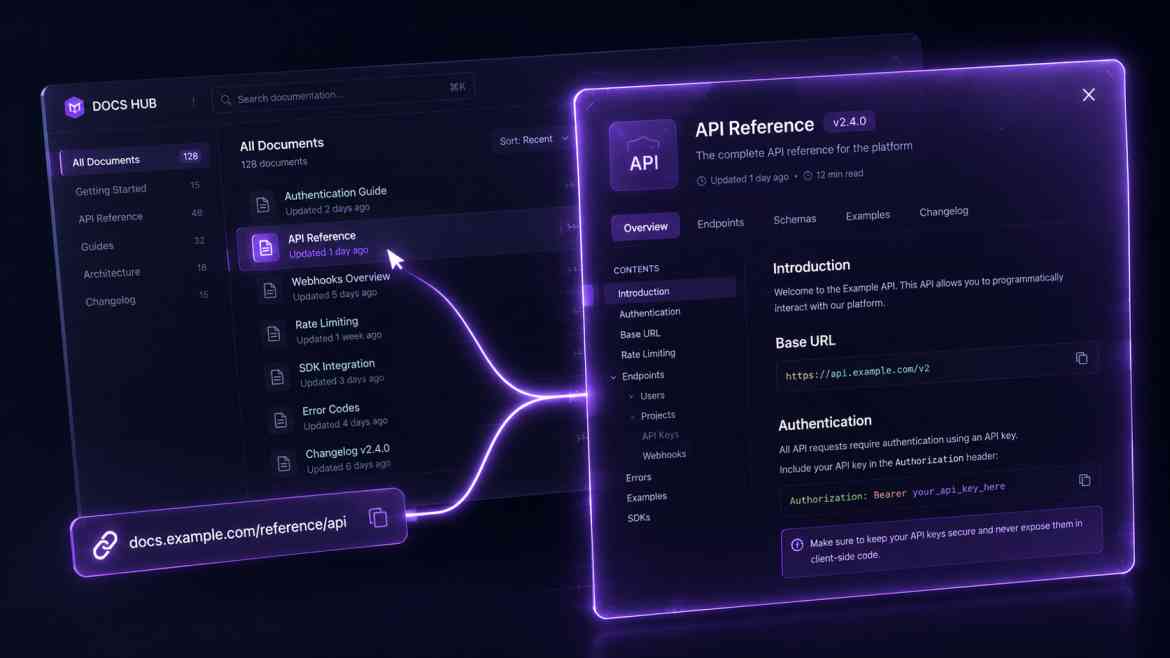
Together, they allow us to load a specific URL (like /task/123) as a modal overlaying the current dashboard, without losing the dashboard background. But if a user visits /task/123 directly from a Slack link, it renders as a full, standalone page.
Architecting the App Router
We use specific folder conventions. Parallel routes use the @ symbol, and Intercepting routes use the (..) syntax (similar to relative pathing).
app/
├── layout.tsx
├── board/
│   ├── page.tsx            # The main Kanban board
│   └── @modal/             # The Parallel Route slot
│       ├── default.tsx     # Returns null when no modal is active
│       └── (..)task/       # INTERCEPTS the /task route when clicked from the board
│           └── [id]/
│               └── page.tsx # Renders the Task inside a Modal UI
├── task/
│   └── [id]/
│       └── page.tsx        # Renders the Task as a Full Page (Direct visits)
Step 1: The Parallel Layout
Your board/layout.tsx must accept the @modal slot as a prop and render it alongside the main children.
// app/board/layout.tsx
export default function BoardLayout({
    children,
    modal, // This is the @modal slot
}: {
    children: React.ReactNode;
    modal: React.ReactNode;
}) {
    return (
        <main>
            {/* The main Kanban board */}
            {children}

            {/* The modal overlay (if active) */}
            {modal}
        </main>
    );
}
Step 2: The Intercepted Modal Component
Inside @modal/(..)task/[id]/page.tsx, we render the task data wrapped in a Modal component. Because it was intercepted, Next.js keeps the board/page.tsx mounted in the background!
// app/board/@modal/(..)task/[id]/page.tsx
import { fetchTask } from '@/lib/db';
import Modal from '@/components/ui/Modal'; // A client component using dialog element

export default async function TaskModal({ params }: { params: { id: string } }) {
    // Fetch data perfectly on the server
    const task = await fetchTask(params.id);

    return (
        <Modal>
            <h2>{task.title}</h2>
            <p>{task.description}</p>
        </Modal>
    );
}
The Engineering ROI
By architecting your modals with Intercepting Routes, you instantly upgrade your UX to native-app quality. You gain perfect deep-linking for collaboration, flawless back-button behavior (closing the modal via the browser history), and absolute SEO friendliness. You stop wrestling with complex React state and let the URL drive the experience.